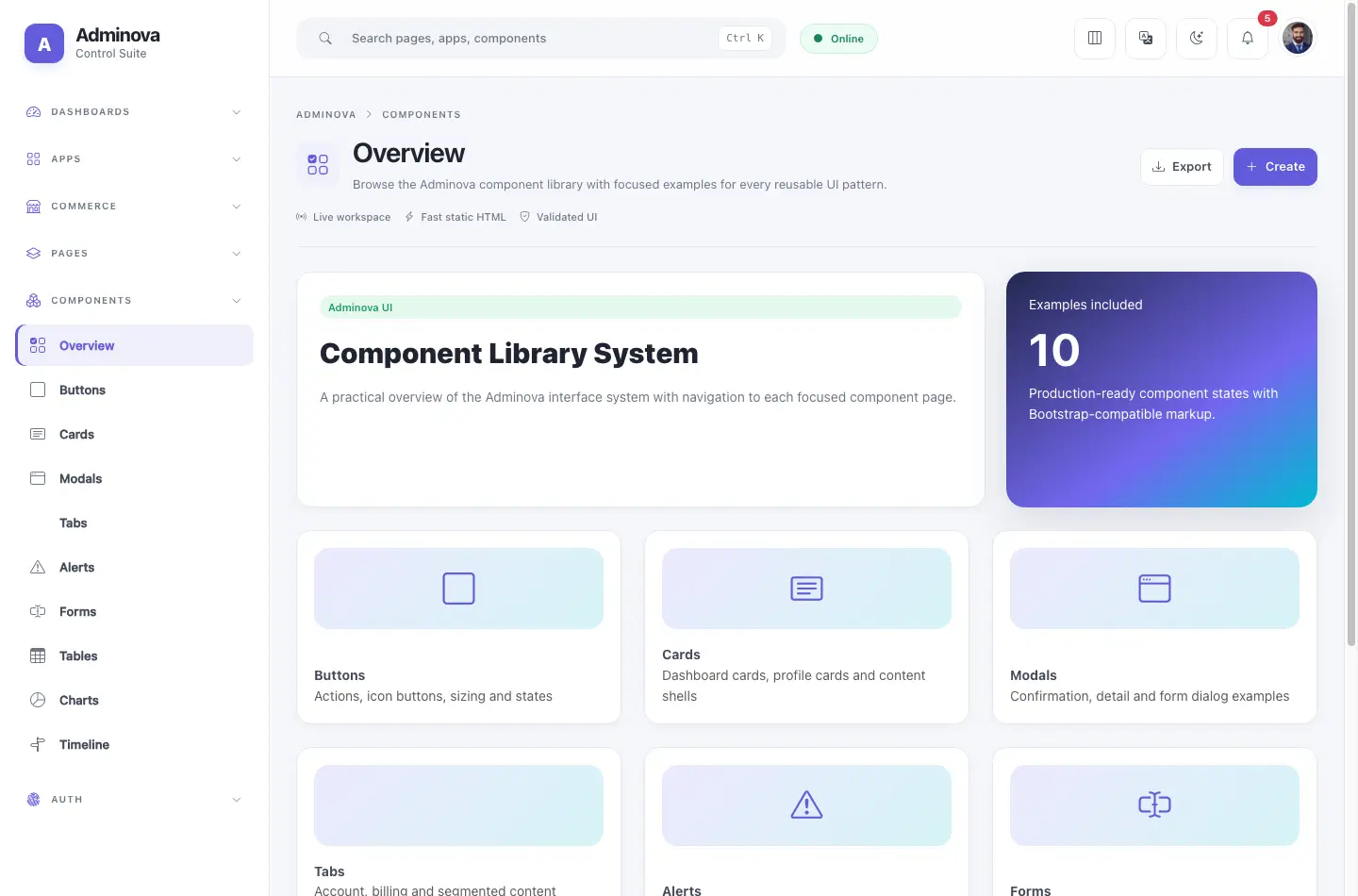
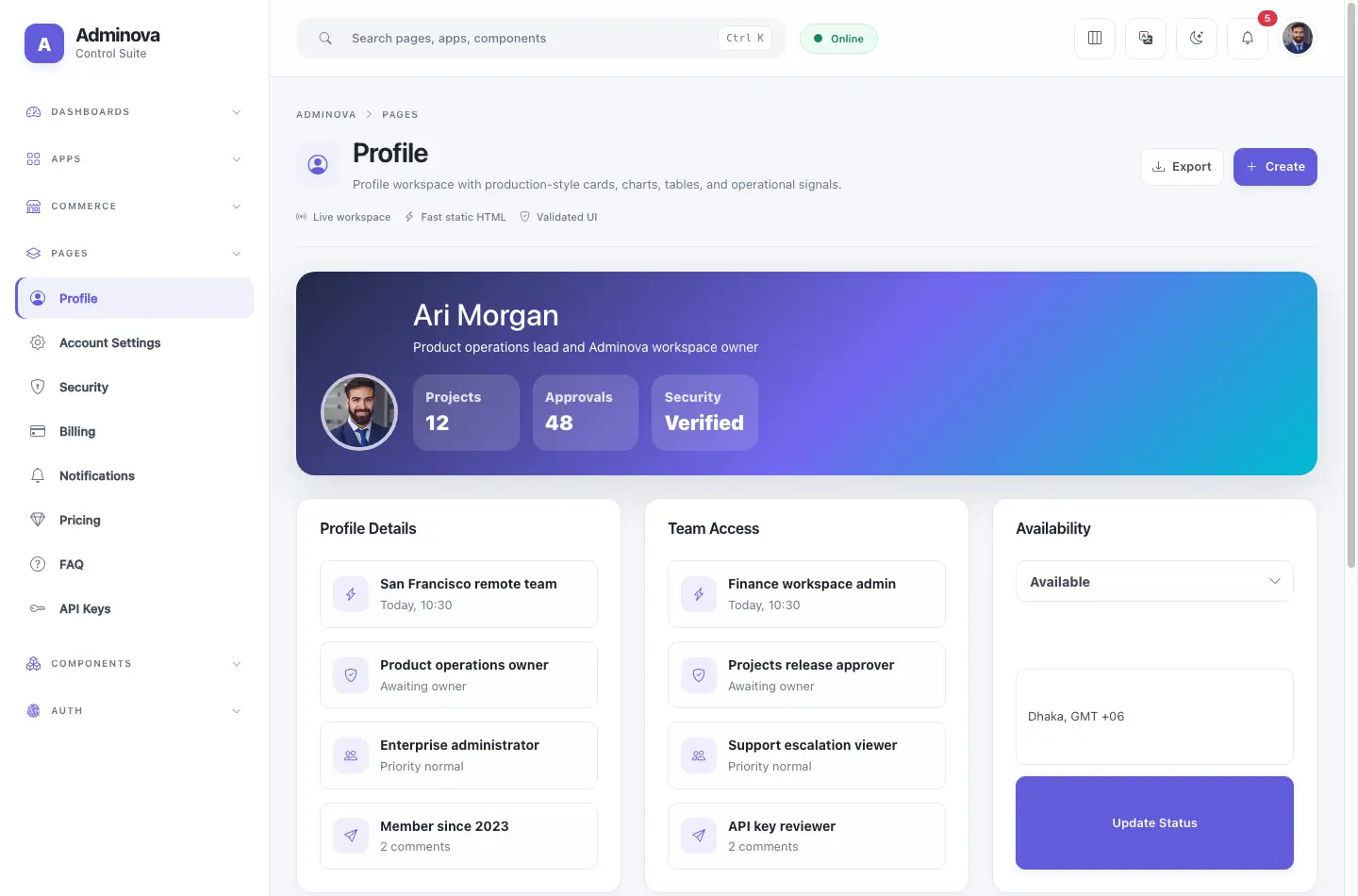
Adminova gives you 49 HTML files, 9 component pages, 5 layout modes, dark & light themes, and Chart.js charts — ready to drop into any project.
Static HTML · Local assets · No build step required
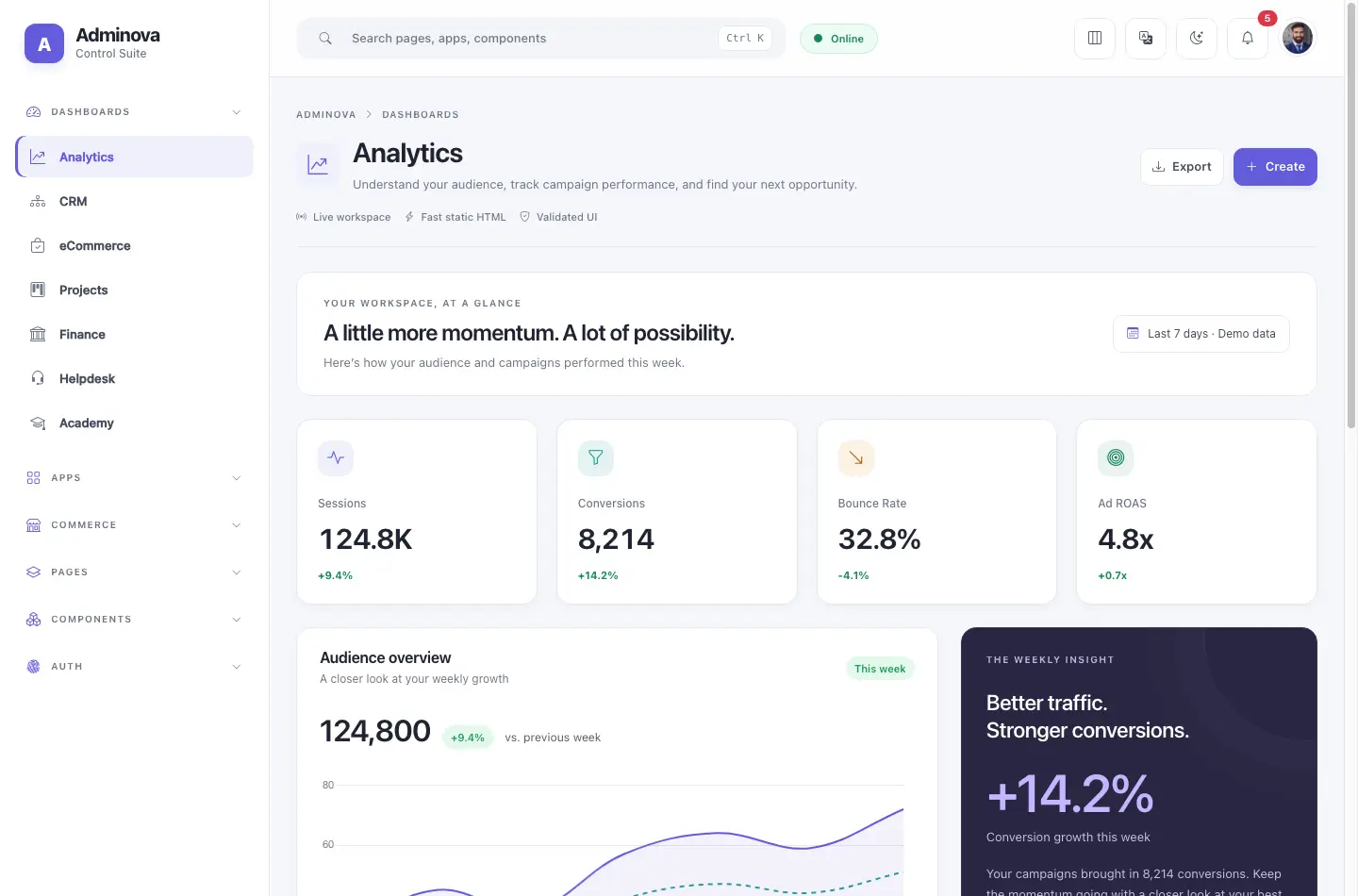
Carefully crafted components, consistent design tokens, and clean code that's easy to customise.
Switch between Default, Horizontal, Detached, Wide, and Compact layouts in one click — no rebuild needed.
A pixel-perfect dark mode baked into every component using CSS variables. Switch appearance from the dashboard toolbar.
Line, bar, doughnut, and area charts with consistent palette, responsive sizing, and dark-mode support.
Dashboards, apps, commerce pages, auth screens, components, documentation, and landing page — all ready to use.
Full right-to-left direction support using the document direction control — no duplicate stylesheets.
Built-in CTRL+K command palette for quickly navigating between pages — a feature usually reserved for apps.
Mobile-first grid, collapsible sidebar with smooth backdrop, and touch-friendly interactions on every page.
Built on the Bootstrap 5.3.8 — no jQuery, full utility class support, and easy integration with your existing stack.
Pure HTML, CSS, and vanilla JS. Open in a browser or drop into any stack — no bundler or framework needed.
Total HTML Files
Component Pages
Color Themes
Responsive & RTL Ready
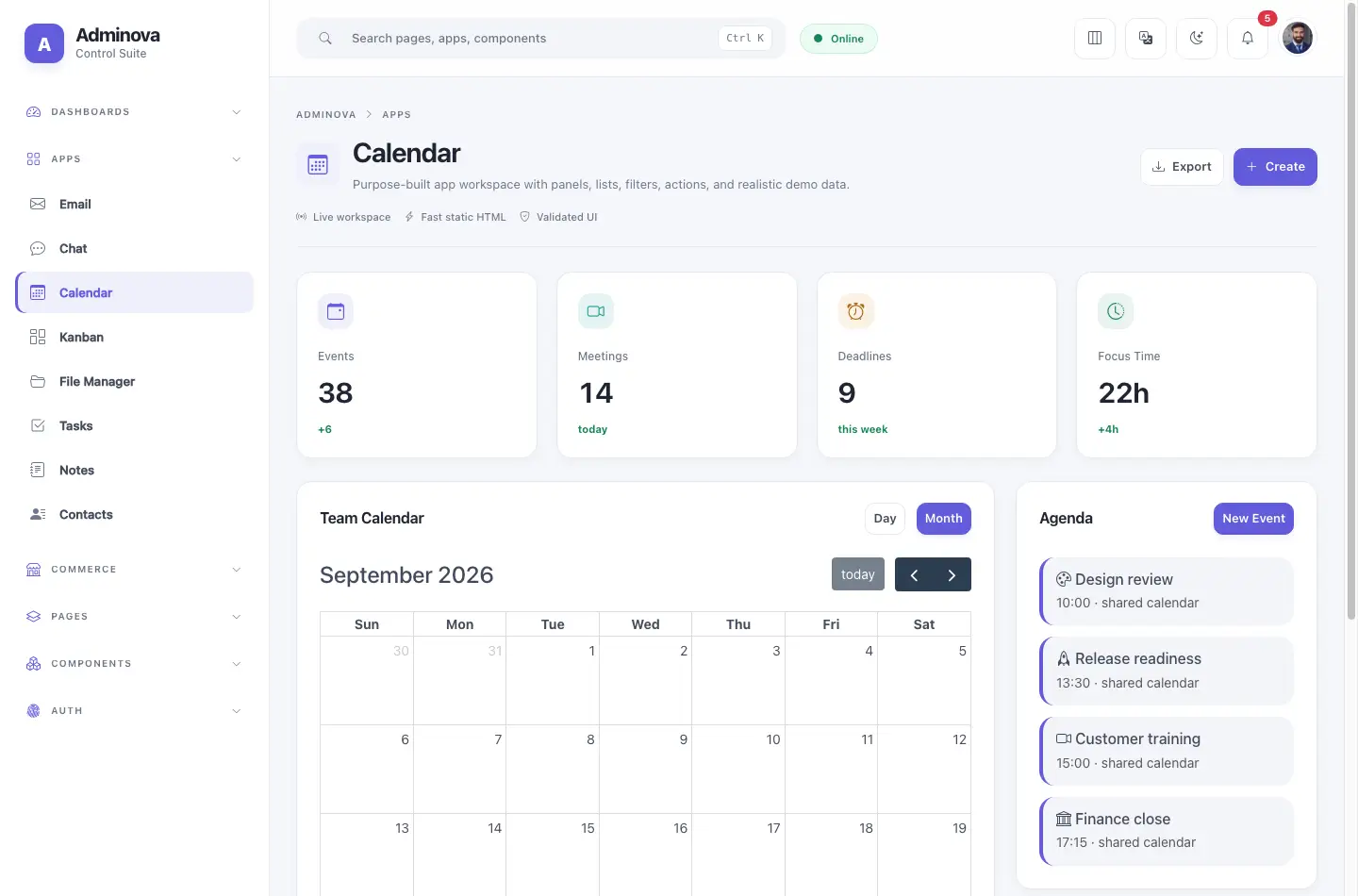
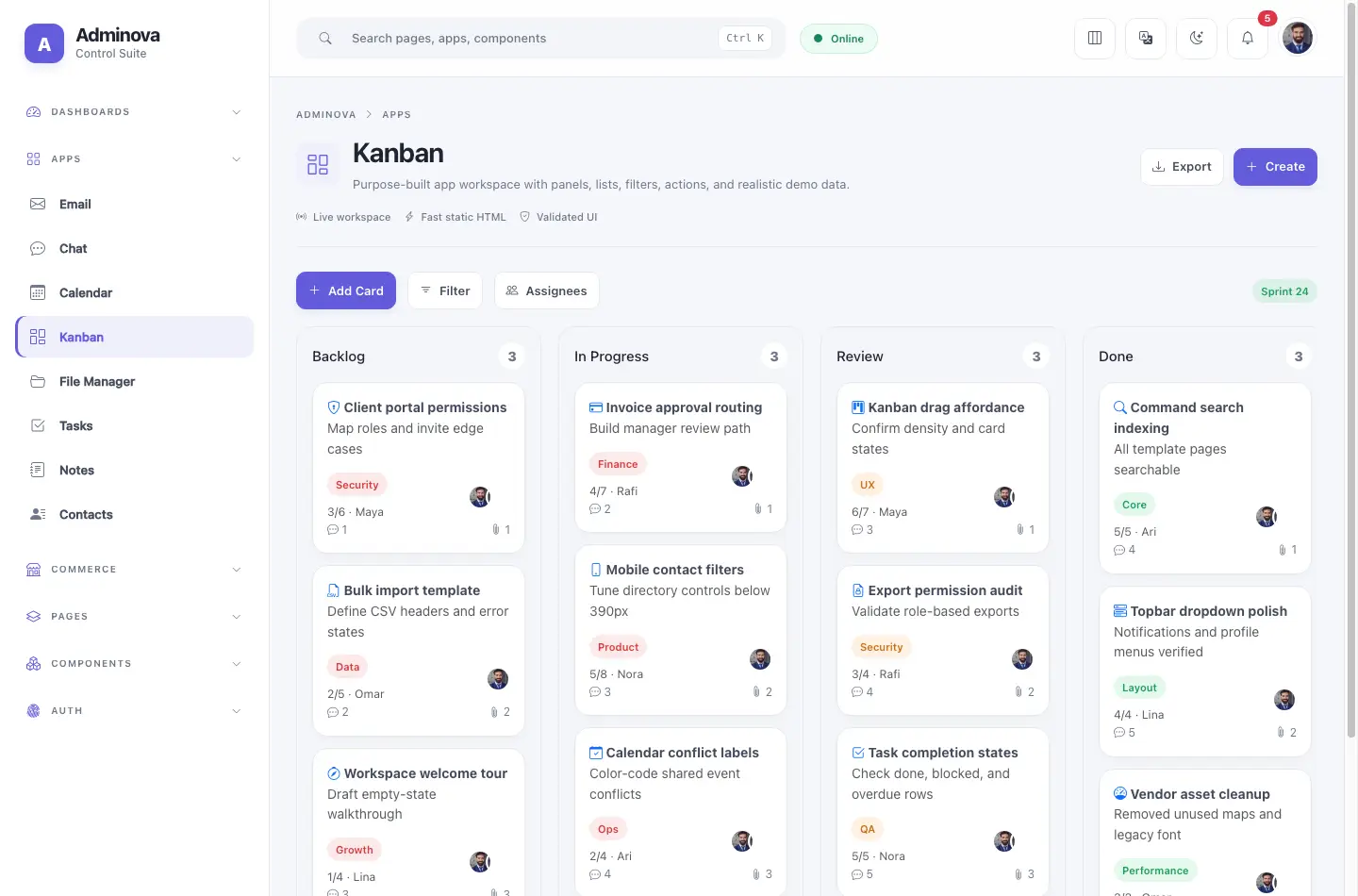
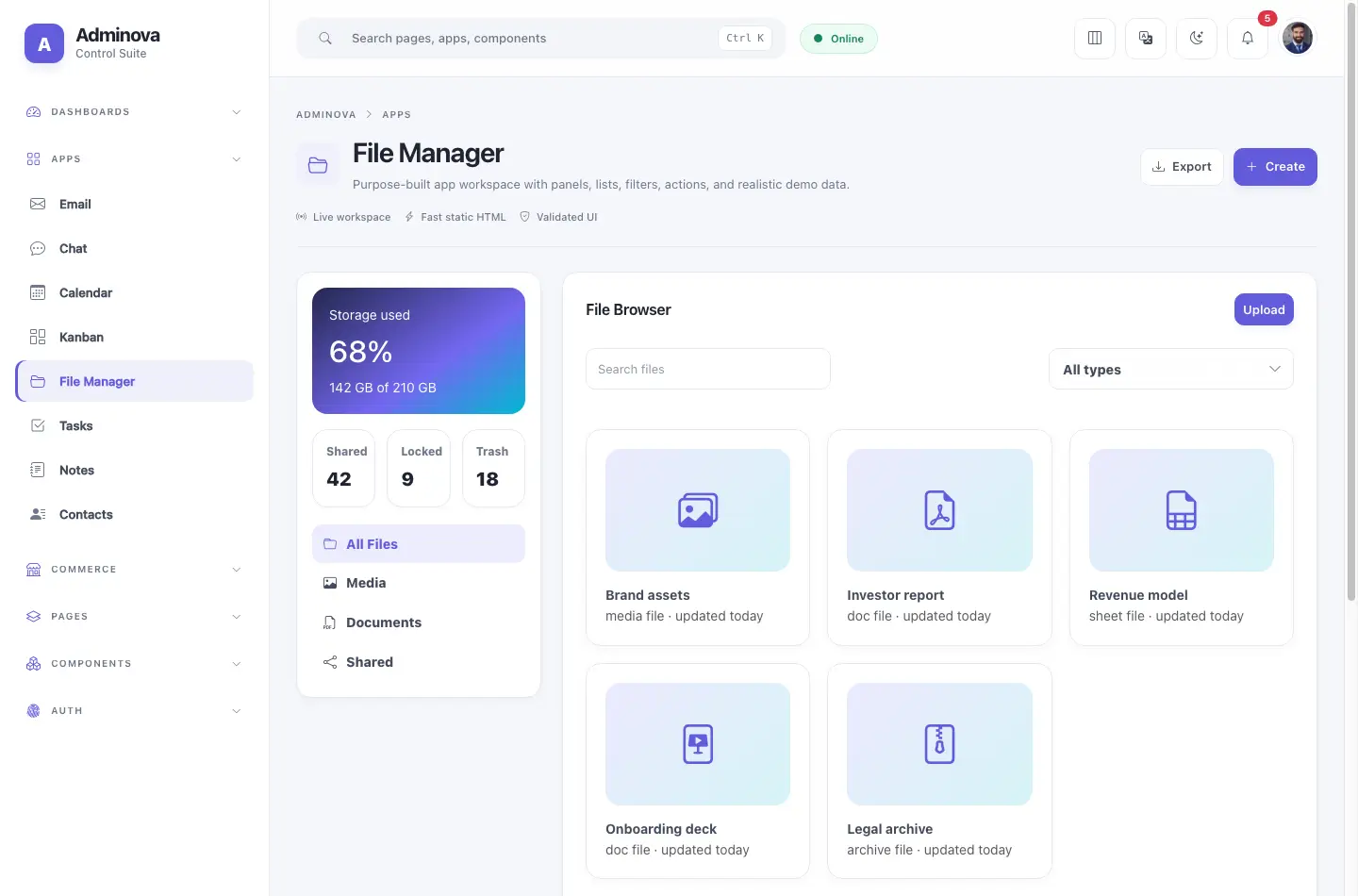
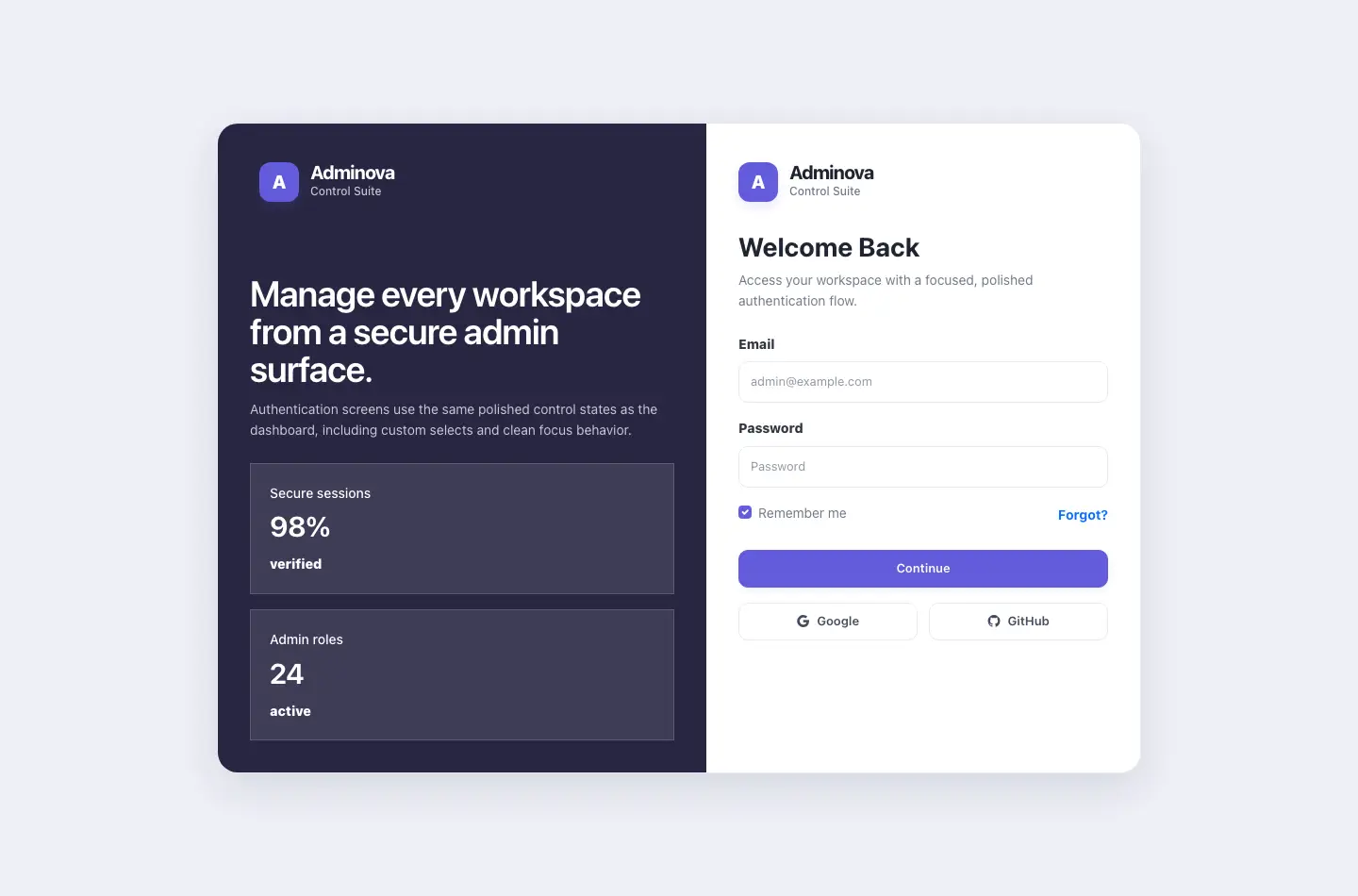
From analytics dashboards to Kanban, File Manager, auth flows, and component examples, every page ships with polished styling.


Adminova includes real app screens, reusable component pages, layout controls, and documentation that explains how to customize the template.
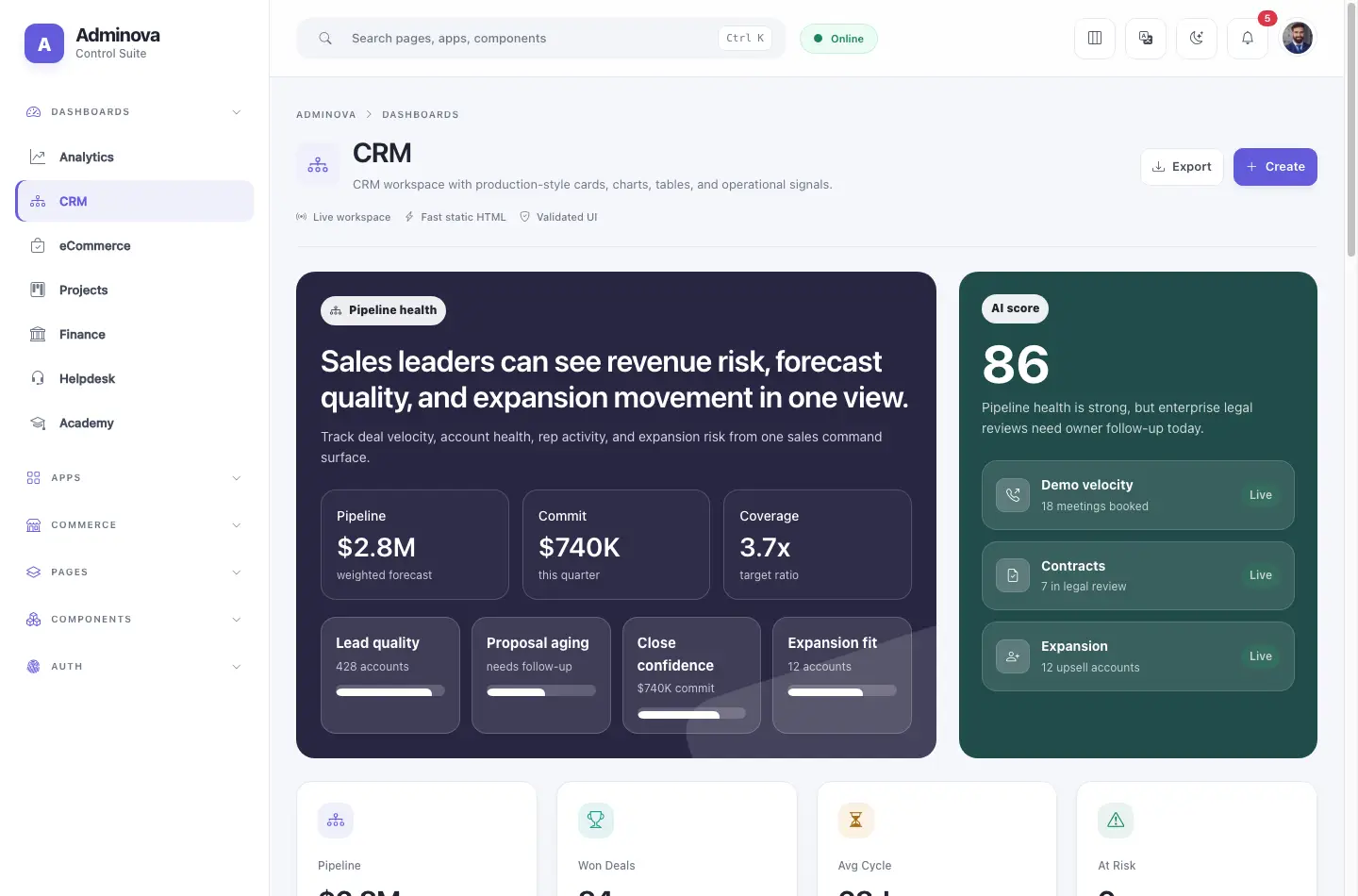
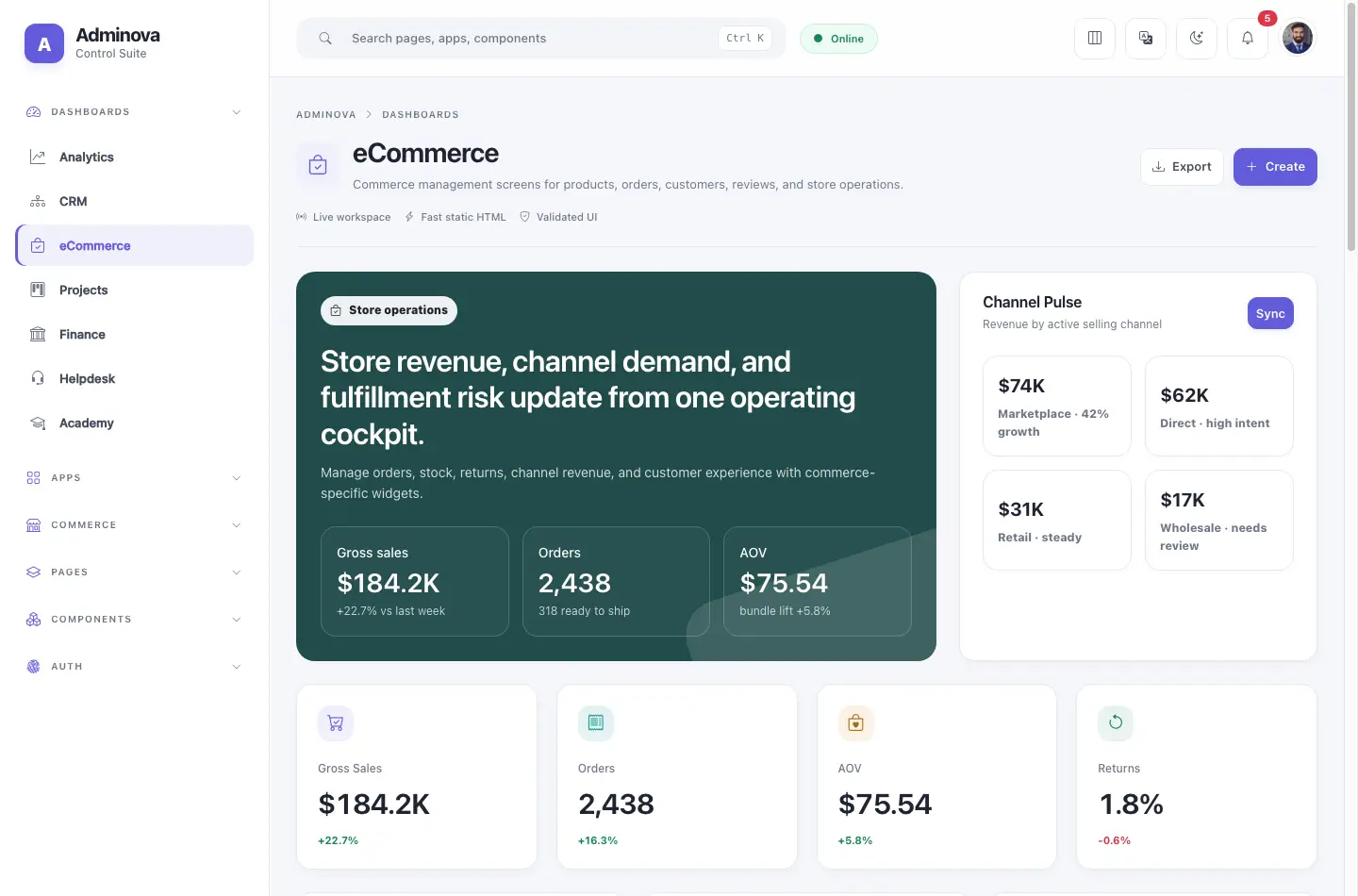
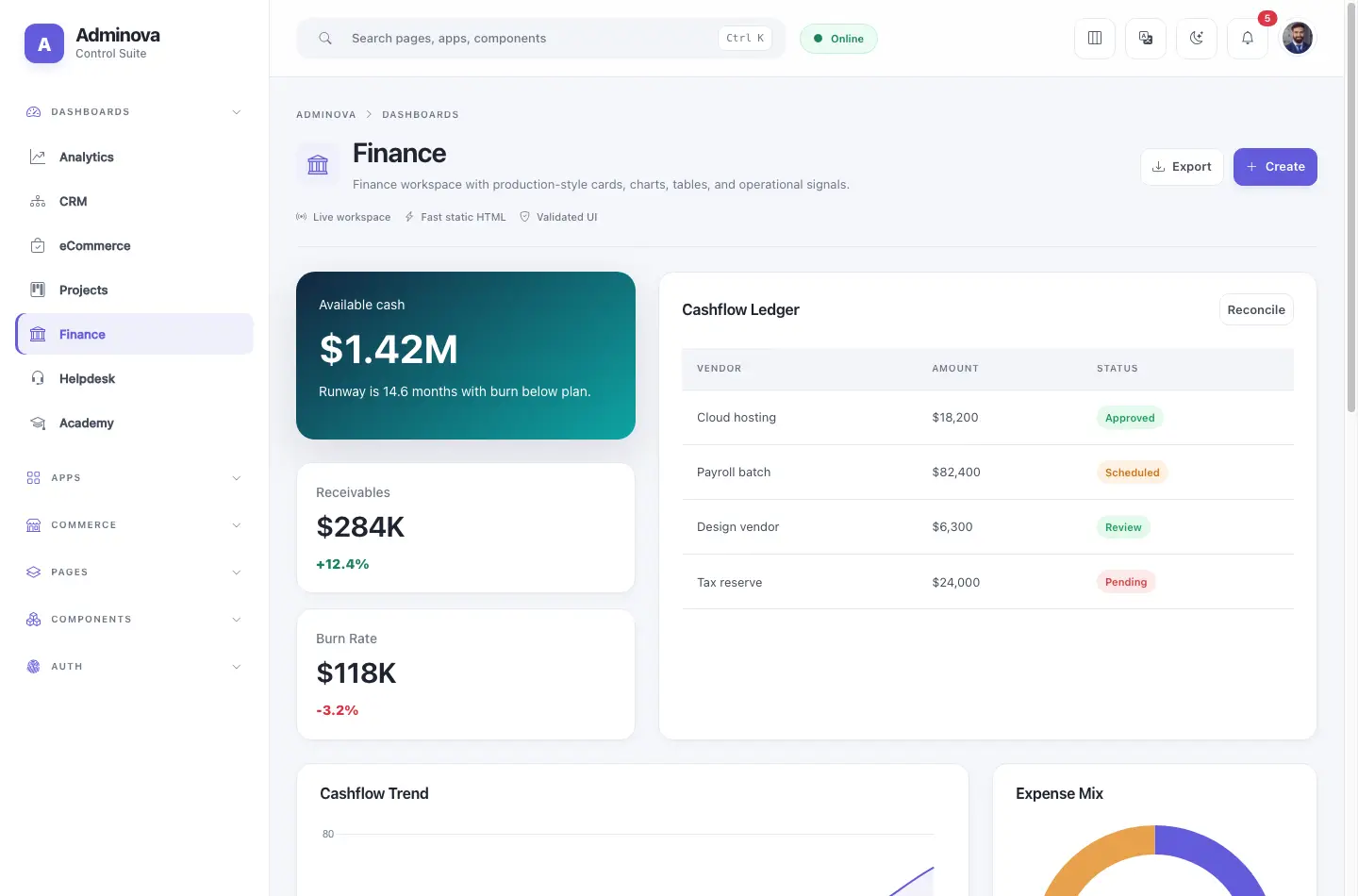
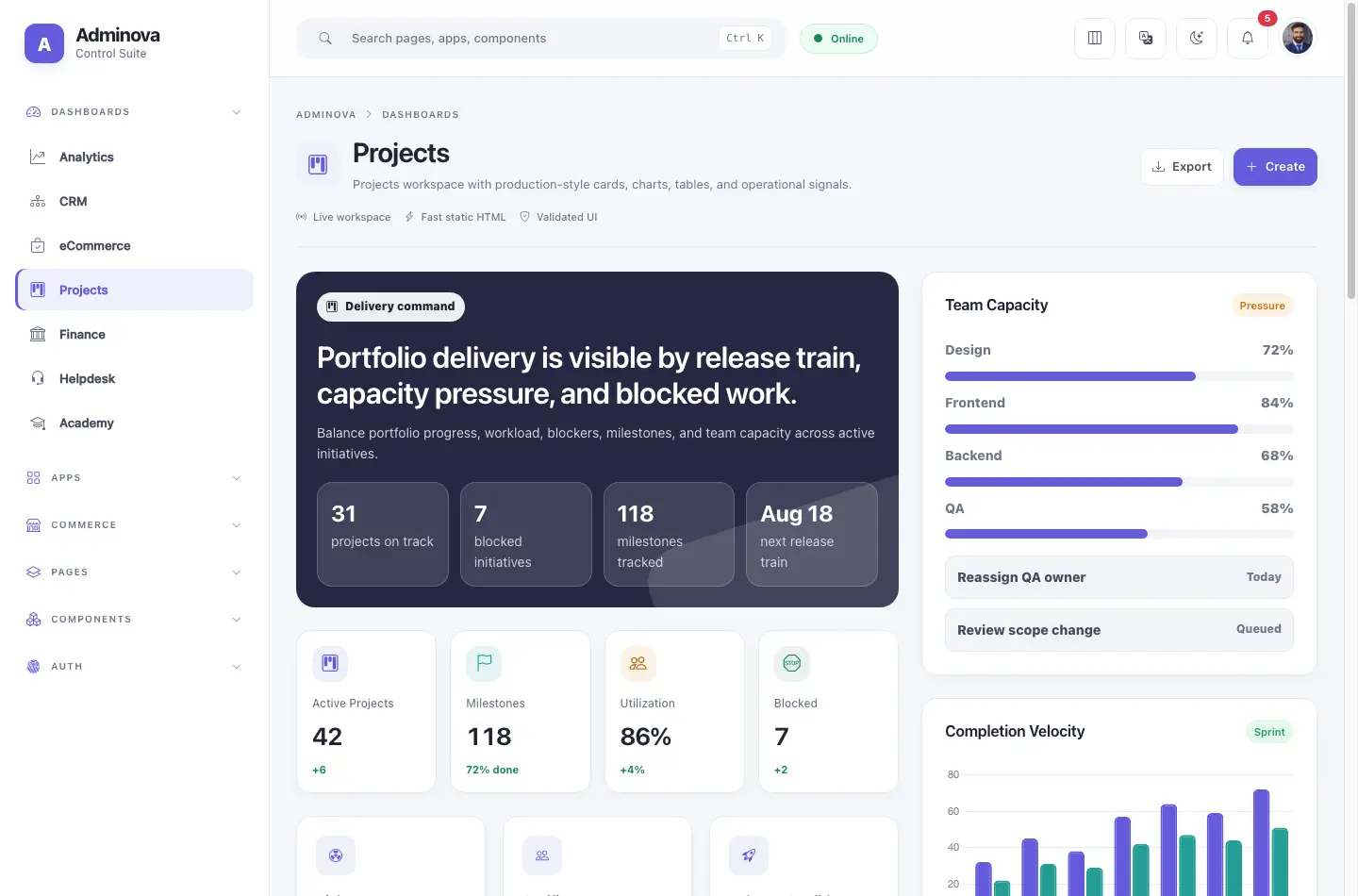
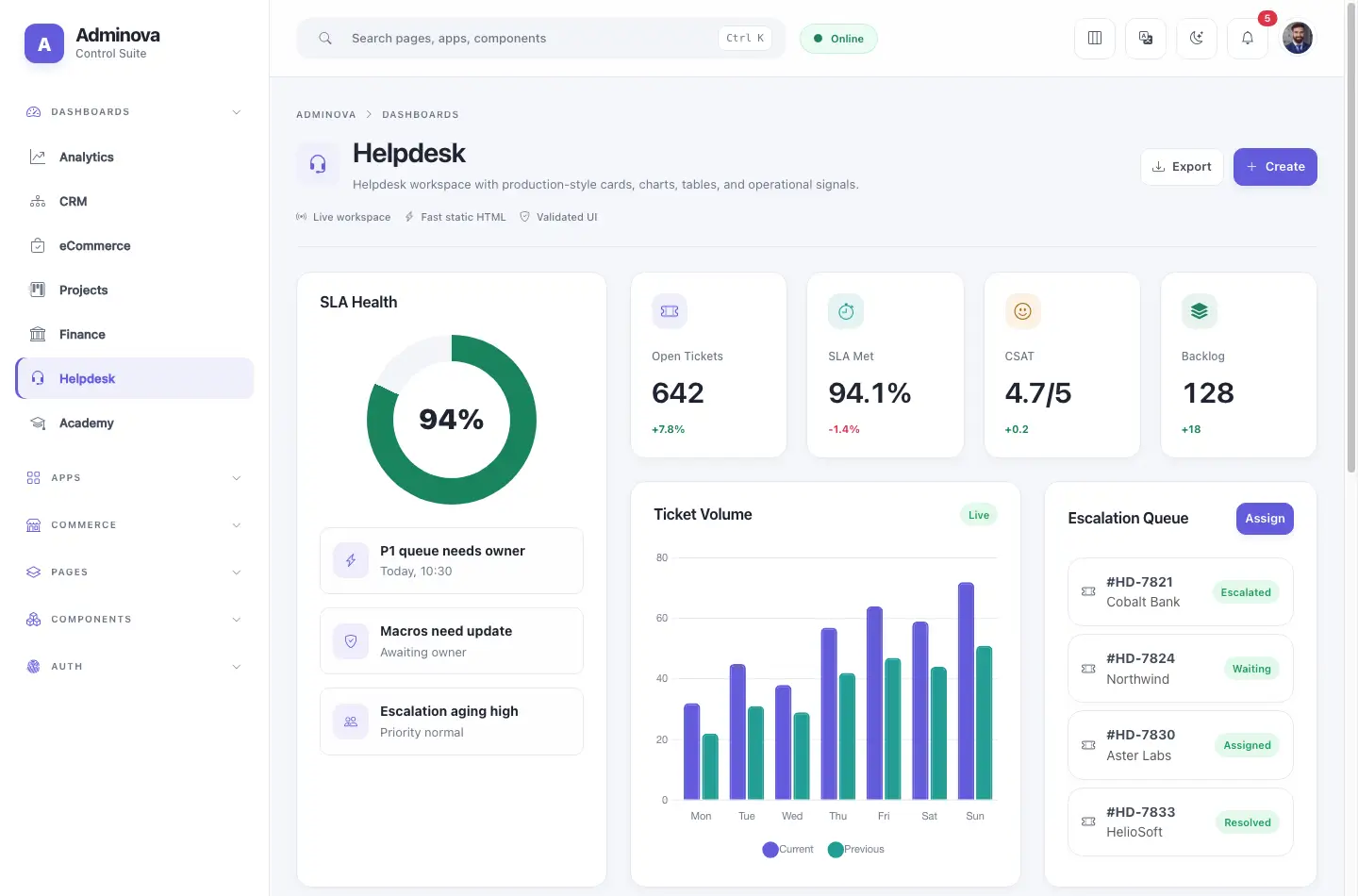
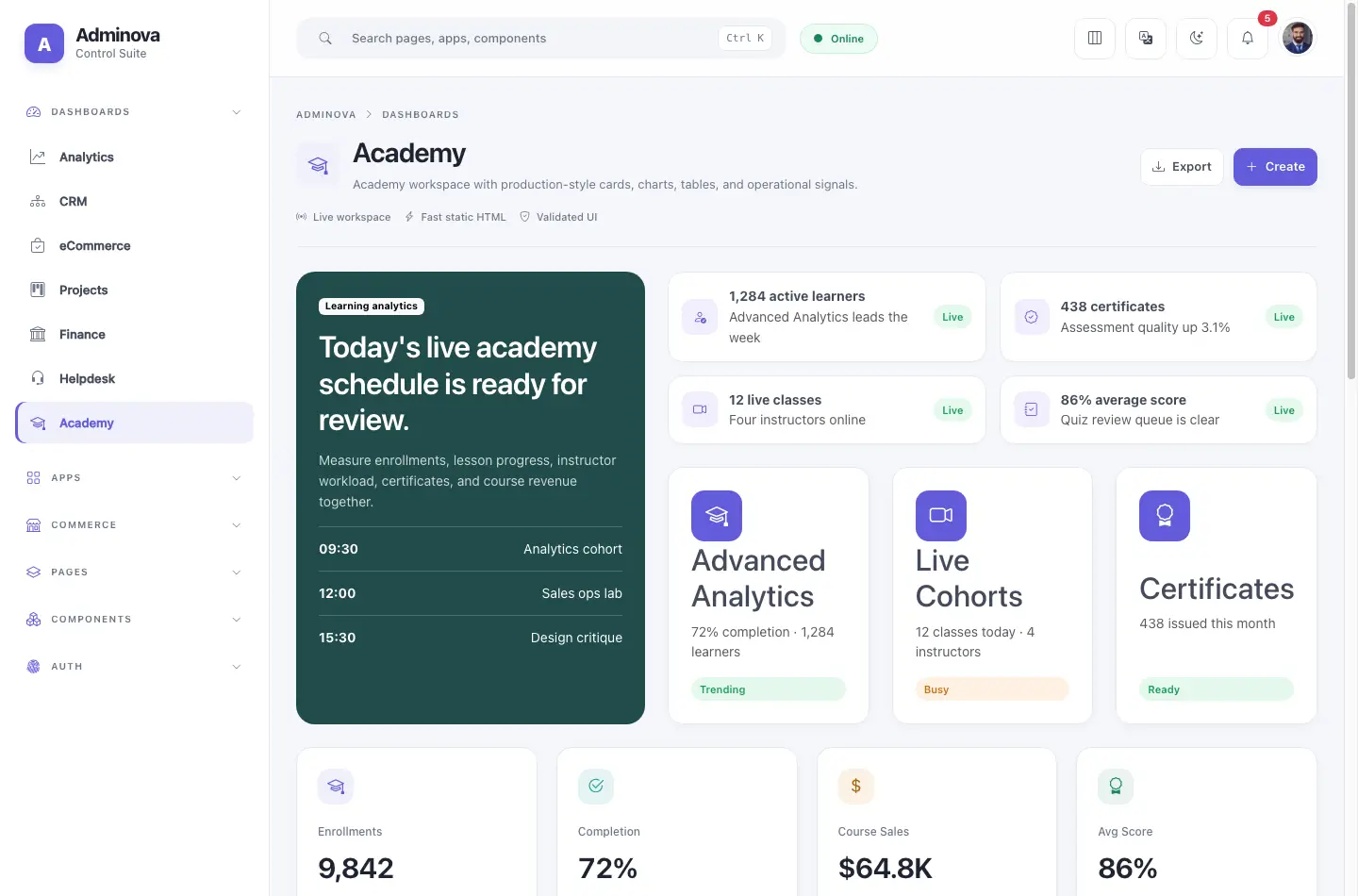
Analytics, CRM, eCommerce, Finance, Projects, Helpdesk, and Academy dashboards with unique layouts.
Calendar, Chat, Contacts, Email, File Manager, Kanban, Notes, and Tasks.
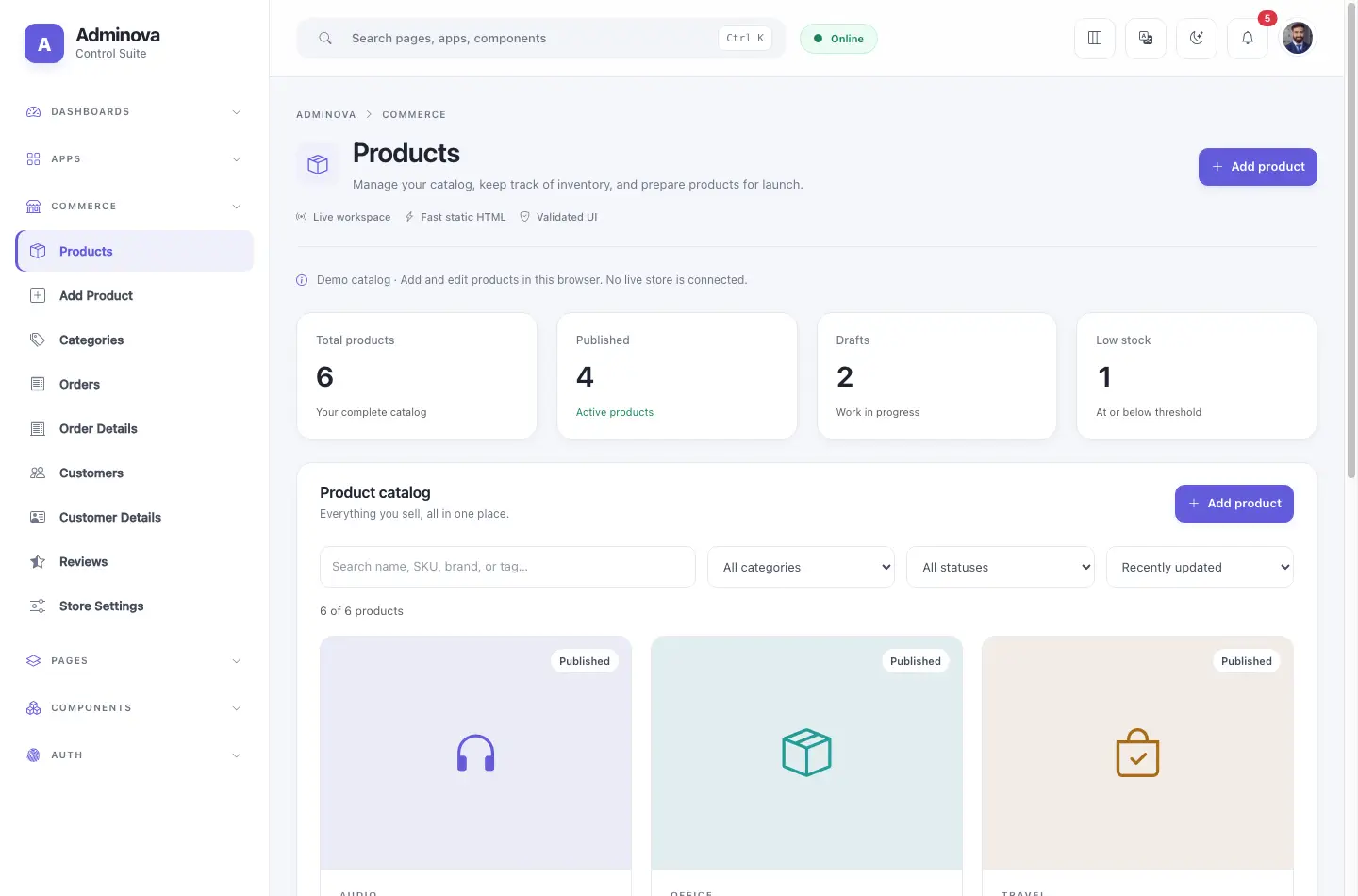
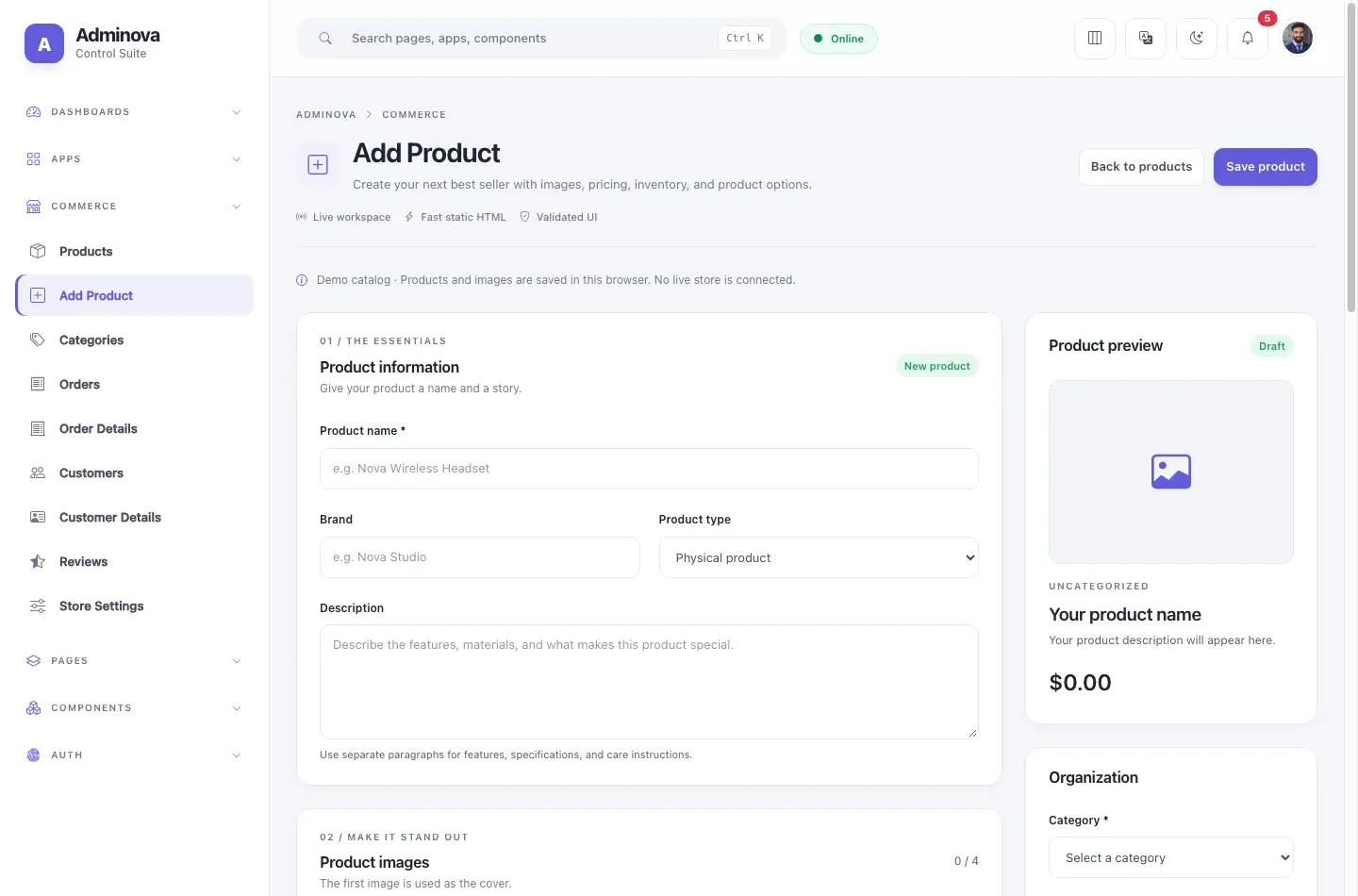
Customers, products, orders, categories, reviews, and settings for admin workflows.
Every component has a separate page with multiple styled examples and responsive layouts.
Use the static HTML files directly. No npm install or build step needed.
Change colors, typography, spacing, radius, and surfaces from shared CSS variables.
Replace demo rows, charts, and static actions with your own backend or framework.
Open a dashboard and use its layout menu to select your preferred arrangement.
The documentation now covers quick start, folder structure, pages, component pages, layouts, theme settings, charts, forms, assets, and validation notes.
Explore 49 HTML files, 9 component pages, 5 layouts, and detailed docs — no sign-up required.